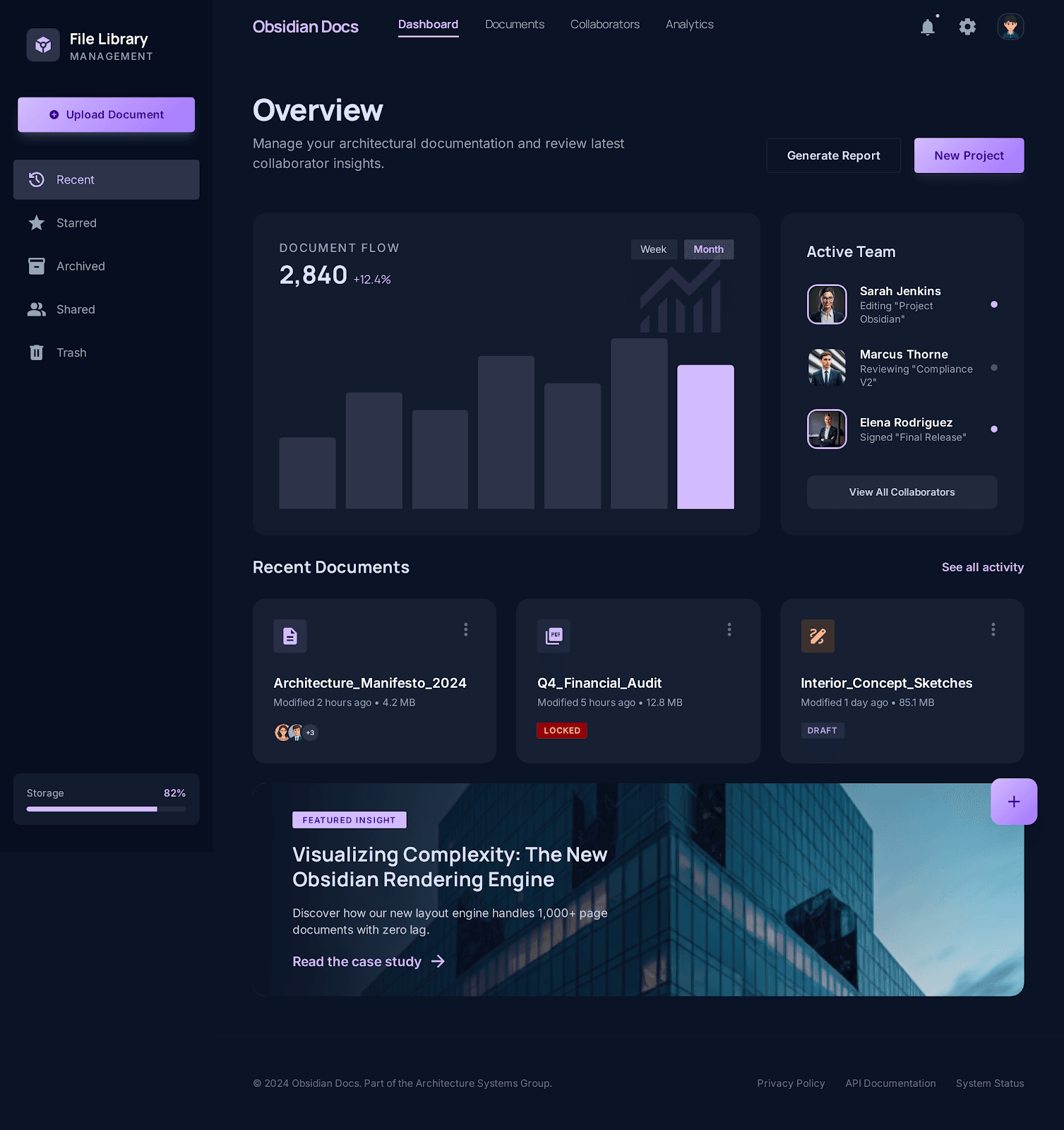
Linked product surface
Workspace and public pages share one visual language
Docs, pricing, trust, and the live app now feel like parts of the same obsidian suite instead of separate microsites.
PDF editor comparison
Compare Pdf Clarity and Adobe Acrobat on browser-first editing, scanned-PDF handling, advanced document workflows, and pricing posture.

Obsidian direction
Premium editorial contrast, layered surfaces, and trust context kept close to the real workflow.
Linked product surface
Docs, pricing, trust, and the live app now feel like parts of the same obsidian suite instead of separate microsites.
Adobe Acrobat is still the broader and more mature suite. Pdf Clarity is the simpler pick when you want a browser-first PDF workflow with visible trust and pricing pages, but Acrobat remains the safer fit for advanced OCR correction, form-heavy work, accessibility repair, certificates, and batch-heavy document operations.
Updated March 28, 2026
Research snapshot based on local notes dated March 20, March 27, and March 28, 2026.
This matrix reflects the local research snapshot above. It is designed to stay factual about where Pdf Clarity is focused, and where Adobe Acrobat is still broader today.
| Capability | Why it matters | Pdf Clarity | Adobe Acrobat |
|---|---|---|---|
| Editing and review breadth | This decides whether a focused browser workflow is enough or whether you need a full professional suite. | Focused on live routes for editing, annotation, fill and sign, organization, protection, and OCR-aware follow-up work. | Local notes still describe Acrobat as a broader paid suite for text and image edits, OCR-backed scanned editing, forms, compare, redact, shared review, and sign workflows. |
| Scanned PDF correction | Scanned files are where lightweight editors usually become frustrating fastest. | Has Searchable PDF and scan-aware guidance, but the public product language stays explicit that OCR-heavy documents can need a more specialized path. | The March 27 research notes still point to Acrobat as the more trusted option for OCR correction and deeper scanned-document repair. |
| Advanced document production | Legal, compliance, and operations teams often need more than basic edit and export. | Covers browser-first finishing tasks such as protect, watermark, numbering, and standards checks, but not the full Acrobat-style repair and certificate stack. | Acrobat help and feature-parity notes still cover preflight profiles, accessibility preparation, advanced forms, certificates, headers and footers, Bates numbering, and broader standards workflows. |
| Pricing and packaging | Feature depth only matters if the commercial model matches the job and budget. | Pricing and trust are part of the public workflow, so the cost boundary is visible before the user commits to the tool. | The March 20 business brief listed Acrobat Standard at US$14.99 per month, Pro at US$19.99 per month, and Studio at US$24.99 per month, with more advanced workflows tied to higher tiers. |
These are the Pdf Clarity pages most relevant to this comparison.
Edit PDF Online
Edit PDF files online in a browser-local workspace with tools for annotations, page changes, export, protection, and follow-up tasks.
Annotate PDF Online
Annotate a PDF online in a review-first workspace with highlight, underline, strikethrough, notes, shapes, stamps, signatures, and image callouts.
Make PDF Searchable Online
Make a scanned PDF searchable online with OCR guidance, language selection, progress tracking, and searchable-PDF download in one browser workflow.
Protect PDF with a Password
Protect a PDF online by opening the editor with password controls ready, then export a locked copy with permissions in place.
Pricing
See current plan boundaries without leaving the public site.
Trust center
Review browser-first data handling, privacy posture, and support guidance.
These bullets summarize the local research notes used to keep the comparison grounded and dated.
Established Acrobat's current browser and desktop breadth across text and image edits, OCR-backed scanned editing, page organize, redact, compare, forms, comments, shared review, and sign.
Note dated March 27, 2026
Mapped Acrobat-style gaps that still remain materially open for Pdf Clarity, especially advanced forms, OCR correction review, accessibility repair, preflight profiles, certificates, and document-production tools.
Note dated March 27, 2026
Captured Acrobat's pricing tiers plus its emphasis on collaboration, shared review, and batch automation.
Note dated March 20, 2026
These live pages are the external sources cited in the local research notes.
Adobe online PDF editor
Live tool entry point referenced in the March 28 SERP snapshot.
Accessed March 28, 2026
Adobe Acrobat pricing
Pricing anchor used in the March 20 and March 27 research notes.
Accessed March 27, 2026
Adobe compare versions
Used in the Acrobat feature-parity audit for current workflow coverage.
Accessed March 27, 2026
Acrobat desktop help
Referenced for current desktop workflow breadth, including forms, security, and production tools.
Accessed March 27, 2026
Each comparison page in this set keeps the same dated, evidence-first format.
Pdf Clarity vs Smallpdf
Compare Pdf Clarity and Smallpdf on edit-PDF packaging, free-versus-paid disclosure, tool-directory depth, and trust posture.
Pdf Clarity vs Sejda
Compare Pdf Clarity and Sejda on page-depth, explicit limit language, edit-surface breadth, and privacy-first tool guidance.
Pdf Clarity vs iLovePDF
Compare Pdf Clarity and iLovePDF on tool-network breadth, editor depth, platform coverage, and browser-first trust posture.
Pdf Clarity vs Canva PDF Editor
Compare Pdf Clarity and Canva PDF Editor at the fit level, with an explicit note that the current local research on Canva is lighter than the other comparison pages.