PDF Editor, Signer, Converter — free.
Free PDF tools that get the job done
Drop your PDF in. Change a word, sign the last page, merge five files into one — done in under a minute. No signup. No watermark. No Adobe required.
- No signup
- No watermarks
- Files deleted after 1 hour
We don't keep your files. We don't even peek. · No account. No email. No catch.
Every PDF task you need
Whatever PDF thing is blocking you, start here.
All free. All without an account. Never a watermark.
PDF Editor
Change the text, add an image, fix the typo your boss keeps asking about.
Merge PDF
Glue your PDFs together in the order you want. No Adobe.
Split PDF
Pull out the pages you actually need. Leave the rest behind.
Compress PDF
Shrink a bloated file so Gmail stops rejecting it.
Sign PDF
Sign a contract with your mouse, trackpad, or thumb. No printer involved.
Annotate PDF
Highlight, comment, scribble. Mark it up like a real human.
Protect PDF
Add a password. Only the right people get in.
PDF to Word
Turn your PDF into an editable Word doc. Keeps formatting. Mostly.
Word to PDF
Clean, shareable PDF. Looks the same on every computer.
PDF to JPG
Save every page as an image. Good for posting, pasting, or printing.
Unlock PDF
Remove a password you already know, on a file you own.
OCR scanned PDF
Turn a scanned page into text you can actually copy, search, and edit.
How it goes
Four clicks. Usually less than sixty seconds.
Drop your PDF in. Pick what you need to do. Make the change. Download it — we forget.
Drop your PDF in.
Drag it onto this page or click to pick it from your computer. It uploads over an encrypted connection and nobody on our side opens it.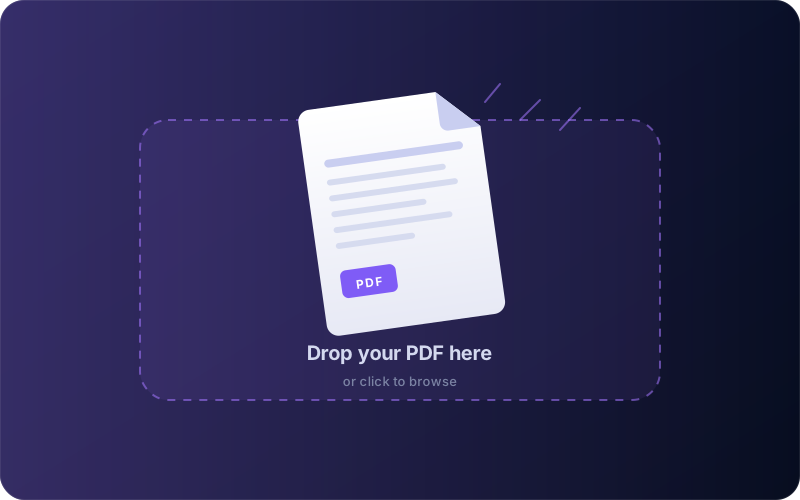
Pick what you need to do.
Edit text, add a signature, merge with another file, compress for email, convert to Word. Whatever the job is, there's a button for it.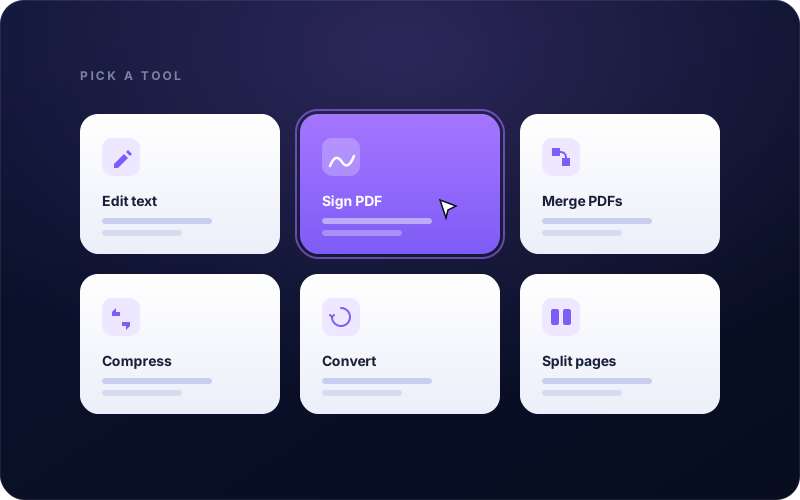
Make the change.
Type where you need to type. Sign where you need to sign. Reorder pages by dragging them around. The file stays live so you can keep going.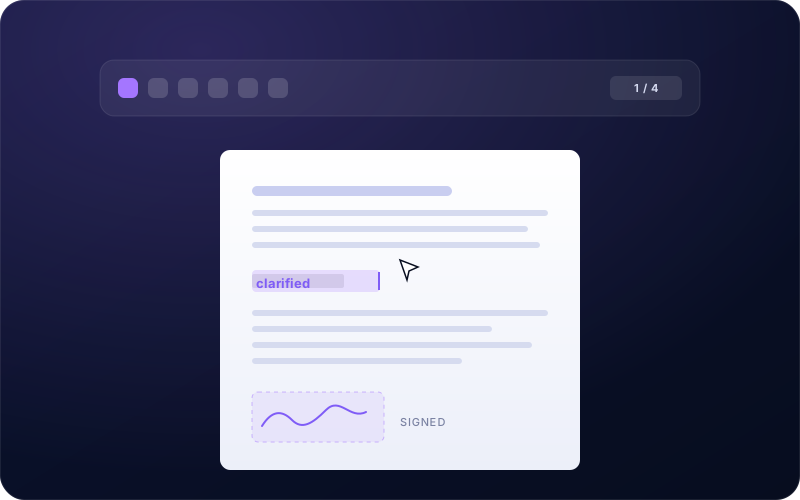
Download it. We forget.
Your finished PDF lands in your Downloads folder. Our copy gets deleted within the hour. You never hear from us again — unless you want to.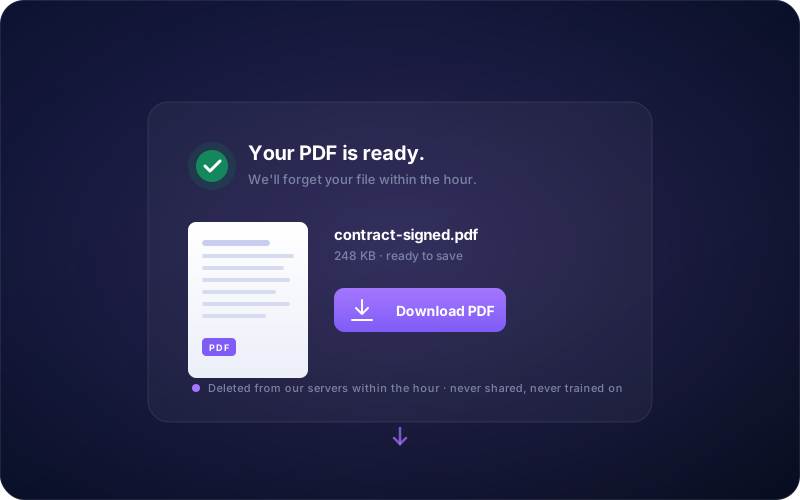
Why you'll keep coming back
Why people stick around.
Because you shouldn't have to pay rent to a text box.
Stop paying Adobe for what should be free.
Their cheapest plan is $14.99/month. Ours is $0. Edit text, sign, merge, convert — the real stuff, all free, for you.
We don't keep your files. We don't even peek.
Your PDF is deleted within an hour of upload. We can't see it. We can't sell it. We can't train a model on it.
No signup. No email. No catch.
Open the page, drop your file, download the result. That's it. No account wall, no trial timer, no “confirm your email” nonsense.
Works on whatever you've got.
Mac, Windows, Chromebook, Linux, an iPad you borrowed from your kid. If it has a browser, it works.
Never a watermark. Not even once.
Free means free. No ugly stamp on your contract, no diagonal “sample” on your resume, no gotcha at download.
Built for the five-minute tasks.
Signing a lease before a flight. Shrinking a resume. Pulling page 4 out of a scan. We made it for that — not for enterprise workflows on your team.
Answers for you
Questions people ask before they trust us.
Real answers. From a real team. If yours isn't here, email support@pdfclarity.com and a human writes back.