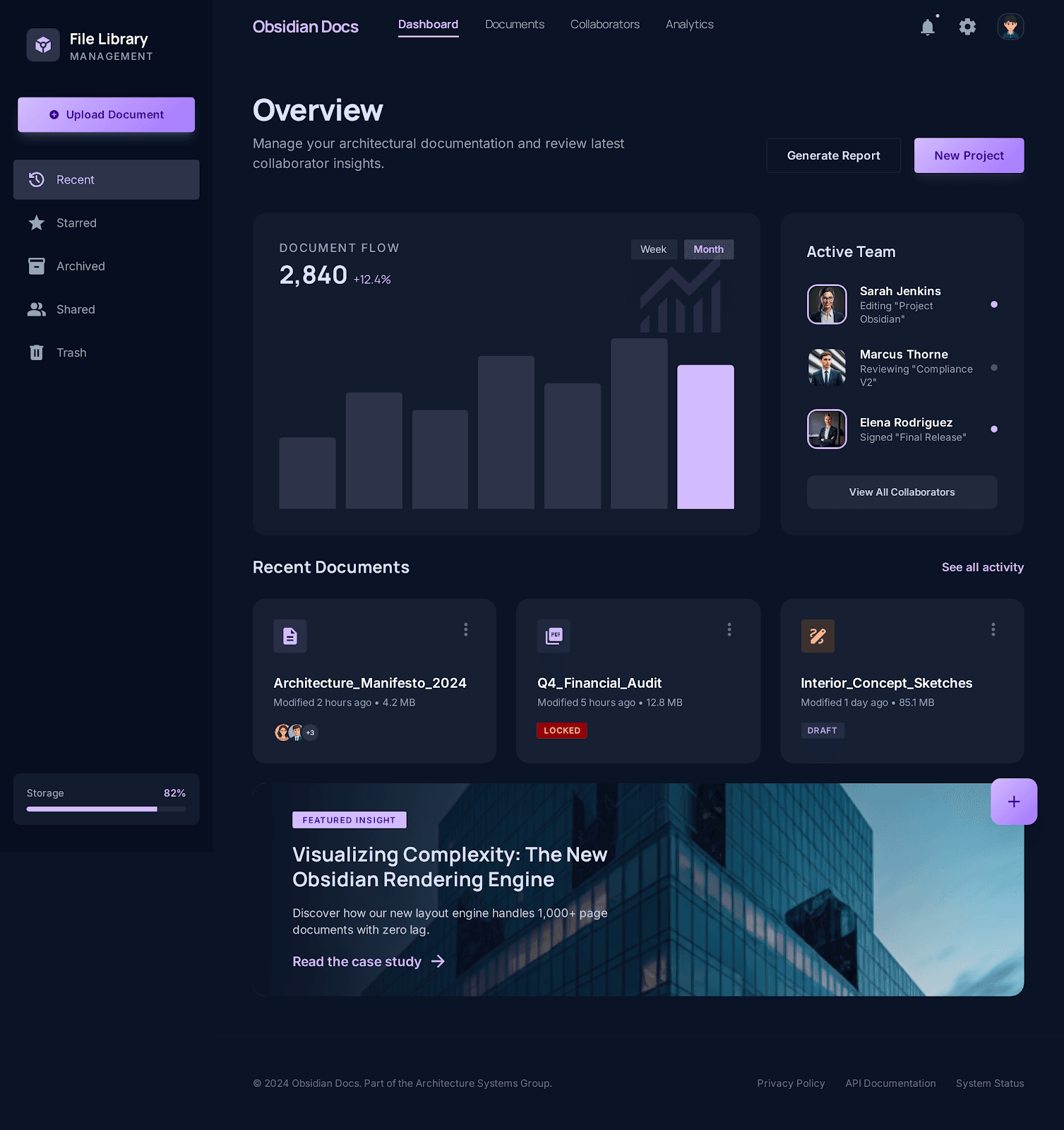
Linked product surface
Workspace and public pages share one visual language
Docs, pricing, trust, and the live app now feel like parts of the same obsidian suite instead of separate microsites.
PDF editor comparison
Compare Pdf Clarity and Smallpdf on edit-PDF packaging, free-versus-paid disclosure, tool-directory depth, and trust posture.

Obsidian direction
Premium editorial contrast, layered surfaces, and trust context kept close to the real workflow.
Linked product surface
Docs, pricing, trust, and the live app now feel like parts of the same obsidian suite instead of separate microsites.
Smallpdf is the bigger commercial machine today, with a denser tool directory, broader plan packaging, and a stronger established SEO footprint. Pdf Clarity is narrower, but it is easier to read as a browser-first product because the live routes, trust pages, and product boundaries stay more explicit.
Updated March 28, 2026
Research snapshot based on local notes dated March 20, March 23, March 27, and March 28, 2026.
This matrix reflects the local research snapshot above. It is designed to stay factual about where Pdf Clarity is focused, and where Smallpdf is still broader today.
| Capability | Why it matters | Pdf Clarity | Smallpdf |
|---|---|---|---|
| Edit workflow packaging | This affects whether the user lands in one combined surface or in clearer task-specific routes. | Splits editing, annotation, form work, page cleanup, and protection into named browser-first routes so the task stays explicit. | The March 27 market brief describes Smallpdf as a combined annotate-and-edit surface with text, drawings, images, highlights, shapes, and form filling. |
| Free versus paid boundary | Edit PDF users tend to bounce fast when paid limits are hard to predict. | Public pricing and trust pages sit close to the tool routes, which makes the current-state boundary easier to inspect early. | The March 27 notes say text editing and OCR are gated to Smallpdf Pro, while the March 28 SERP note highlights free-versus-paid messaging and a visible trial CTA on the edit page. |
| Tool-directory depth | Dense internal linking helps users keep moving once the first task is done. | Has live tools, guides, and comparison routes, but the public network is still smaller and more selective. | The March 28 SERP note describes a broader edit-page directory with compress, convert, AI PDF, organize, sign, OCR, unlock, and pricing links right on the surface. |
| Trust and packaging posture | Searchers compare not just features, but how clearly the product explains itself. | Leans on browser-first trust, support, and pricing pages instead of a large freemium funnel. | Smallpdf's March 28 note calls out GDPR and ISO/IEC 27001 trust markers on-page, while the March 20 business brief adds a broader plan matrix for teams and business buyers. |
These are the Pdf Clarity pages most relevant to this comparison.
Edit PDF Online
Edit PDF files online in a browser-local workspace with tools for annotations, page changes, export, protection, and follow-up tasks.
Compress PDF Online
Compress PDF files online in your browser, queue one or multiple files, and review size reduction results in the same workflow.
PDF to Word Converter
Convert text-rich PDFs to editable Word documents online with OCR guidance for scanned files and complex layouts.
Merge PDF Files
Merge PDF files online by uploading multiple documents, keeping the order you want, and downloading one combined PDF.
Pricing
See current plan boundaries without leaving the public site.
Trust center
Review browser-first data handling, privacy posture, and support guidance.
These bullets summarize the local research notes used to keep the comparison grounded and dated.
Captured Smallpdf's edit-page patterns: exact-match language, large tool directory, free-versus-paid messaging, trust markers, FAQs, and a visible free-trial CTA.
Note dated March 28, 2026
Established that Smallpdf combines annotate and edit, while gating text editing and OCR to paid plans.
Note dated March 27, 2026
Documented the Free, Pro, Team, and Business packaging plus broader positioning across OCR, conversion, batch compress, sign, compare, protect, and AI tools.
Note dated March 20, 2026
These live pages are the external sources cited in the local research notes.
Smallpdf Edit PDF
Primary live tool source for the March 28 SERP snapshot.
Accessed March 28, 2026
Smallpdf pricing
Used in the March 20 and March 27 local research notes.
Accessed March 27, 2026
Smallpdf Annotate PDF
Referenced in the March 27 market brief for the combined annotate-and-edit positioning.
Accessed March 27, 2026
Smallpdf edit tool update
Product-update source cited in the March 27 market brief.
Accessed March 27, 2026
Each comparison page in this set keeps the same dated, evidence-first format.
Pdf Clarity vs Adobe Acrobat
Compare Pdf Clarity and Adobe Acrobat on browser-first editing, scanned-PDF handling, advanced document workflows, and pricing posture.
Pdf Clarity vs Sejda
Compare Pdf Clarity and Sejda on page-depth, explicit limit language, edit-surface breadth, and privacy-first tool guidance.
Pdf Clarity vs iLovePDF
Compare Pdf Clarity and iLovePDF on tool-network breadth, editor depth, platform coverage, and browser-first trust posture.
Pdf Clarity vs Canva PDF Editor
Compare Pdf Clarity and Canva PDF Editor at the fit level, with an explicit note that the current local research on Canva is lighter than the other comparison pages.